
Create Clear, Professional Invoices Without Overcomplicating Your Process.
Why Invoicing Breaks Down
Missing details
Incomplete invoice information can create back-and-forth and make billing harder to process.
Inconsistent formatting
Rebuilding invoices manually can lead to uneven presentation and missing fields.
Line item confusion
If descriptions, quantities, rates, tax, or discounts are unclear, the invoice becomes harder to review.
Workflow friction
A repetitive invoicing process takes more time and makes billing less efficient to manage.
A Better Invoice Supports a Better Billing Process
A clearer invoice can make your billing document easier to review and easier to send consistently. It will not solve every payment issue, but it can help reduce preventable friction caused by missing fields or inconsistent structure.
Invoicing Is One Part of a More Stable Workflow
A clearer invoice can support a more professional billing process. Over time, stronger business decisions also depend on pricing structure, client fit, service design, and how your work is managed overall.
Explore Talentlush Decision Intelligence →Talentlush Invoice Generator
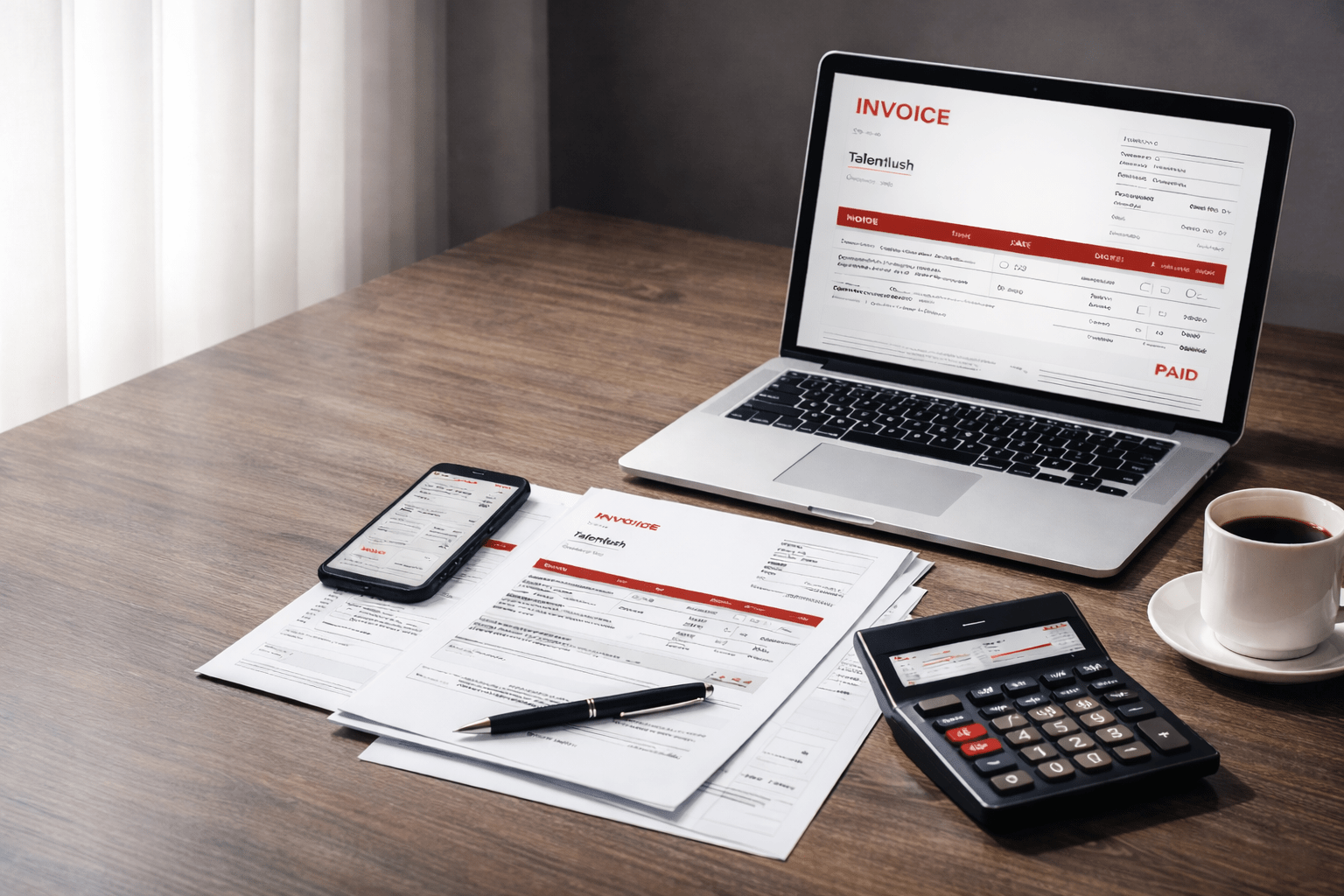
Create a structured invoice more quickly with the Talentlush Invoice Generator. This tool is designed for freelancers, consultants, and service providers who want to organize billing details more clearly and generate a downloadable invoice PDF.
What the Invoice Generator Helps You Do
- Enter business and client information in one place
- Add invoice number, dates, currency, and payment terms
- Create line items with quantity and rate inputs
- Apply discount and tax inputs
- Generate a PDF invoice document
Key Features
- Optional business logo upload
- Multi-currency selection
- Multiple invoice line items
- Automatic subtotal, discount, tax, and total calculation
- Downloadable PDF invoice output
How to Use the Invoice Generator
- Enter your business name and client details
- Add invoice number, invoice date, due date, and payment terms
- Select a currency
- Add line items with descriptions, quantities, and rates
- Enter discount and tax if needed
- Generate the invoice PDF
What This Tool Does Not Do
- It does not send invoices automatically
- It does not track payment status
- It does not integrate with accounting platforms inside this workflow
- It does not guarantee faster payment collection