

ATS-Friendly Resume: Create a Resume That AI Won’t Reject (Plus 5 Free Tools)
Talentlush | October 24, 2024
Crafting an ATS-friendly resume is crucial for standing out in today’s competitive job market. CNBC reported that 75% of resumes were never seen by human eyes, as they were filtered out by Applicant Tracking Systems (ATS) long before reaching recruiters or hiring managers. With 98% of Fortune 500 companies, 66% of large businesses, and 35% of smaller organizations relying on ATS software (Jobscan, 2023), job seekers must ensure their resumes can bypass these automated filters to increase their chances of landing an interview.
The ATS market is growing rapidly, driven by the increasing use of ATS solutions across industries like banking, IT, healthcare, and manufacturing. A recent report from MarketsandMarkets predicts the global ATS market will grow by 6.7% annually, reaching $3.2 billion by 2026, up from $2.3 billion in 2021. This surge is also fueled by the adoption of cloud services and improved security infrastructure (MarketsandMarkets, 2023). Additionally, the 2024 Talent Trends Report by Bullhorn reveals that over 60% of job candidates are open to AI handling tasks such as job matching and resume parsing, interviews, and onboarding.
While ATS and automation streamline hiring, the Society for Human Resource Management (SHRM) points out that these systems may exclude qualified candidates if their resumes don’t fully align with the skills and credentials listed in job descriptions. This underscores the importance of creating an ATS-friendly resume to ensure your application isn’t overlooked.
In this guide, we’ll show you how to create an ATS friendly resume to navigate these systems and increase your chances of landing in the hands of decision-makers.

Understanding ATS and Its Impact on Job Searching
Applicant Tracking Systems (ATS) have transformed how resumes are handled in the job application process. They filter resumes based on specific criteria, allowing employers to manage a large number of applications.
What Is an Applicant Tracking System (ATS)?
An Applicant Tracking System (ATS) is a software tool used in job searching to help employers manage applications. These systems automate the process of sorting through many resumes by scanning them for specific keywords, qualifications, and experience listed in job postings.
ATS makes it easier for recruiters to handle a high volume of job applications efficiently and quickly identify the most qualified candidates through preliminary screening. When a resume matches the keywords or criteria set by the ATS, it is more likely to pass through to human review.
Job seekers should be aware that ATS scans resumes with precision. Ensuring that a resume is ATS-optimized, formatted correctly, and includes the right information is crucial for getting noticed.
How ATS Affects Your Resume
ATS software prioritizes specific elements of a resume, such as job-related keywords, and can struggle with complex layouts or designs. This makes it crucial for job seekers to use the right keywords and keep their resume layout simple and clear.
To optimize for ATS, applicants should align their resume content with the language used in job postings. Bullet points help list skills and achievements clearly, while simple fonts and a straightforward structure prevent confusion during the scanning process. Understanding how ATS functions is key to increasing your chances of progressing to the interview stage.
Crafting Your ATS Friendly Resume
Works Cited: “How to Create an ATS-Friendly Resume for Today’s Job Market (2024)” YouTube, uploaded by Jobscan, https://www.youtube.com/watch?v=0jQwXfsOds4&t=5s
Creating a resume that successfully navigates ATS software requires careful planning. Focus on including the right keywords, formatting correctly, and highlighting professional experience, achievements, education, and skills to ensure your resume is parsed accurately and reaches human reviewers.
Key Components of an ATS Friendly Resume
An effective ATS friendly resume starts with a clear, structured layout. Use headers like Professional Experience, Education, and Skills. Avoid using graphics, tables, or columns that might confuse the ATS. Simple fonts like Arial or Times New Roman (10-12 point size) improve readability. Save your resume as a .docx or PDF file unless specified otherwise by the employer.
Choosing the Right Keywords
Keywords are crucial for passing ATS filters. Review the job description for relevant terms related to job titles, skills, and qualifications. Incorporate these keywords naturally into your resume. For example, if the job ad lists “project management,” ensure that term appears in your Professional Experience or Skills Section.
Formatting for ATS Compatibility
Properly formatting your resume ensures it gets through the ATS without errors. Start with a simple and clean resume format that avoids graphics and tables. Stick to left alignment and avoid special characters or atypical bullet points.
Organize sections with clear headings like Education or Achievements. Consistency in text size and spacing helps maintain a professional appearance. Use bold or italics sparingly to highlight key information without overshadowing the content.
Professional Experience and Achievements
Highlight your Professional Experience with each job title, company name, and dates of employment clearly listed. Focus on achievements rather than duties. Use action verbs like “led” or “managed” to convey responsibility and success.
Quantifiable achievements catch both ATS and human attention. For example, “Increased sales by 20% in Q2 2023” is powerful and precise. Align these achievements with the job description to emphasize your qualifications for the role.
Education and Certifications
List your Education with degrees, institutions, and graduation dates. Ensure this section includes certifications relevant to the job. For example, specific certifications or licenses can be critical keywords that enhance your resume’s ranking in the ATS.
If you’ve pursued continuing education, list these courses as well. This demonstrates a commitment to maintaining and expanding your skill set. Providing both your education and certifications in a straightforward list makes it easy for ATS and recruiters to assess your qualifications.
Skills Section
The Skills Section should include both hard skills and soft skills. Use bullet points to make this section easy to skim. Hard skills like “data analysis” or “Java programming” should align with the job requirements.
Soft skills such as “communication” and “teamwork” are also essential in showcasing a well-rounded candidate. Make sure these are woven throughout your ATS resume. Tailor this section by focusing on the specific skills emphasized in the job listing.
Optimizing ATS Resume Content
Effective Use of Action Verbs
Action verbs can dramatically improve the readability of a resume and make it stand out. Verbs such as “led,” “developed,” or “improved” show your contributions clearly. These words help an Applicant Tracking System identify the key skills and experiences that align with job requirements.
By starting each bullet point with a strong verb, you create a dynamic and proactive tone that not only gets recognized by automated systems but also appeals to recruiters who will eventually review your resume.
Highlighting Measurable Achievements
Clearly stating measurable achievements is crucial. It provides context and scalability to your work. For instance, instead of saying “improved sales,” it’s better to say “increased sales by 20% over six months.”
Highlighting numbers and concrete results shows your capabilities and makes your contributions clear. This approach enables the ATS software to match your experience with specific job requirements. Always try to tie achievements to quantifiable outcomes.
Detailing Your Work Experience
Work experience needs to be presented clearly and in chronological order. Start with the most recent job and work backward. This helps both the automated resume-scanning software and human reviewers see career progression at a glance.
Provide specific details about your roles, projects, and responsibilities. Include relevant skills and technologies used. For example, mentioning “project management” and “problem-solving” strategies can be beneficial. Always aim for clarity while providing enough detail to cover all significant aspects of each job.
Incorporating Bullet Points
Incorporating bullet points makes a resume easy to scan both by ATS and hiring managers. Bulleted lists break down information into manageable bits and can highlight key responsibilities and achievements.
Each bullet point should ideally contain one key idea or accomplishment, starting with an action verb. This format helps emphasize important content and aligns with how ATS programs break down data. Use these to detail tasks that showcase skills like attention to detail and effective project management.
Design Elements for an ATS Friendly Resume
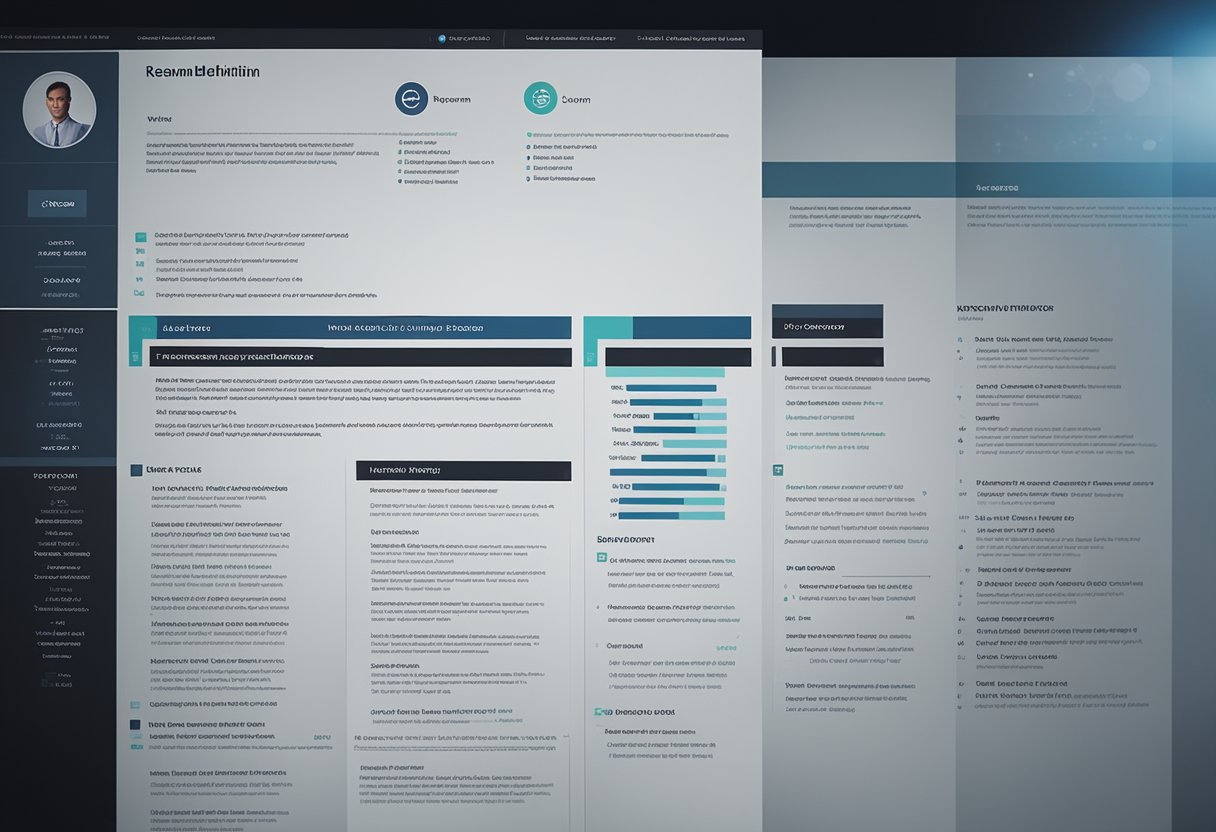
This section highlights essential design elements such as file types, layouts, fonts, and the importance of keeping the design clean and minimalist for an ATS friendly resume.
Selecting an Appropriate File Type
Choosing the right file type is vital for ensuring that an ATS can process your resume correctly. Most systems prefer a .pdf or .docx format. While a PDF resume generally maintains its formatting, a .docx file can be more universally compatible, especially with older ATS versions. It’s advisable to avoid using plain text files unless explicitly requested, as they lack the flexibility required for structuring detailed information. Proper file selection helps maintain the integrity of the resume’s content when parsed by the system.
Resume Layout and Design Considerations
An effective resume layout is clear and concise. It should emphasize key information using headers and bullet points. Complex layout designs, such as tables or multiple columns, may confuse some ATS. A linear format with basic headers like “Education” and “Experience” ensures better readability for both the system and human recruiters. Use sections with straightforward titles for an organized look. Graphical elements and images, while visually appealing, should be excluded as they might hinder how the ATS reads the resume content.
Choosing an ATS-Friendly Font
Selecting an easy-to-read font is essential for application tracking software compatibility. Fonts like Times New Roman, Arial, and Calibri are considered safe bets due to their clarity and common usage. These fonts are less likely to cause issues when the ATS scans your document. Avoid using decorative or unusual fonts that may become garbled in the system. Stick to standard sizes, typically between 10 and 12 points, to maintain legibility without overcrowding the page. The choice of font can directly impact how efficiently your resume is processed.
Ensuring Clean and Minimalist Design
A minimalist design approach not only helps in passing ATS checks but also makes the resume appealing to recruiters. A clean layout avoids clutter and focuses on presenting information succinctly. Removing unnecessary design elements keeps the resume professional and direct. This means avoiding the use of color, excessive bolding, or italics unless highlighting specific headings or sections. A simple, clear format emphasizes content over style, ensuring vital details are communicated effectively without distraction.
Avoiding Common ATS Submission Errors

Key practices in creating ATS friendly resume involve careful keyword usage, smart job title application, and understanding technical submission requirements.
Keyword Stuffing and Its Drawbacks
ATS software scans resumes for specific keywords related to job descriptions. While using these keywords is critical, keyword stuffing—the excessive use of keywords—should be avoided. Too many repetitive keywords can make a resume look unnatural to both humans and computers. AI-powered resume scanner might even flag such resumes as spammy or irrelevant.
Instead, aim for a balanced use of resume keywords. Align them naturally with your experiences and skills. Incorporate these terms where they logically fit, such as in bullet points that describe past job achievements.
Crafting a coherent cover letter alongside the resume can further personalize an application, offering a narrative that keywords alone cannot provide. Since cover letters often support the keywords chosen, they should also be crafted with intention and clarity.
Appropriate Use of Job Titles and Terminology
Accurate job titles and industry-specific terminology are essential in an ATS-friendly resume. Vague or overly creative job titles can confuse the ATS. For example, if the job involves data entry, mention it clearly rather than using an unconventional title like “Data Wizard.”
Use precise job titles that match common industry standards. When updating resumes, consider variations of job titles to ensure the ATS recognizes the relevance. This might involve tweaking titles to match those found in job descriptions, without misrepresenting past roles.
Incorporating relevant terminology helps the resume resonate with both ATS and human reviewers. This includes familiar terms from related job postings or descriptions. Be sure, however, to only use terms that accurately reflect one’s skills and experience.
Technical Issues and File Formats
File format is another critical aspect of an ATS-compliant resume. Many systems prefer simple formats like DOCX or PDF. Complex file types or those with intricate formatting, such as those saved from Excel or containing multiple columns and graphics, might not be read correctly.
When saving the resume, avoid complex layouts that can disrupt the ATS check process. Steering clear of tables, charts, or special characters ensures smoother processing during an ATS resume scan.
Some tools, like ATS friendly resume formatting guides, provide specific insights into avoiding technical pitfalls. Navigating these technicalities increases the likelihood of the resume reaching hiring managers.
Finalizing and Submitting Your Resume
To maximize the chances of getting noticed by employers, it’s crucial to ensure your resume is clear, concise, and error-free.
Including Essential Contact Information
The contact information section is vital for allowing employers to reach out. This should include a full name, phone number, email address, and LinkedIn profile if applicable. It’s also recommended to use a professional email address.
Ensure the contact details are located at the top of the resume. Use a simple and readable font to avoid any issues with applicant tracking systems (ATS). Check your details for accuracy to prevent any missed opportunities due to incorrect information.
Writing a Compelling Resume Summary or Profile
A strong resume summary or profile highlights core competencies and qualifications. This section is typically placed at the beginning, right after the contact information.
The summary should include key skills and experience in a few sentences. Using reverse chronological order, mention the most recent achievements and roles that demonstrate suitability for the job. Tailor the summary for each application by focusing on specific skills and experiences that match the job description.
Review and Proofread for Errors
Before submitting, rigorously review and proofread the resume to catch any errors. This includes checking for spelling mistakes, grammatical errors, and formatting inconsistencies. Errors can make a poor first impression and may lead to being deprioritized by the ATS.
Ask a friend or a colleague to look over the resume, as a fresh set of eyes can catch errors that might have been missed. Ensure consistent formatting, particularly with font sizes and bullet points. This attention to detail reflects professionalism and dedication.
Utilizing Resume Builders
To support your job search, Talentlush offers a range of free tools designed to enhance your application. These tools are simple, user-friendly, and equipped with essential features to meet ATS requirements, giving you a better chance of moving to the next stage in the hiring process.
Free ATS-Friendly Resume Builder
Resume Keywords Scanner
ATS Resume Keywords & Power Verbs (IT Industry)
Job Interview Prep Tool
Career Skills Analyzer
Talent Highlights: Upload Your Resume
Our Free ATS Friendly Resume Builder allows you to easily download your resume in MS Word format, ensuring compatibility across different platforms and devices. This flexibility is crucial, as many job applications require specific formats like Word or PDF. With Talentlush, you can create and save your resume in the format preferred by employers, enhancing your chances of success.
This adaptability is a must for anyone serious about their job search, allowing seamless adjustments for each application.
The Role of Human Recruiters Post-ATS Screening

Once a resume successfully passes the ATS, human recruiters take over to evaluate the candidate’s suitability. They are looking for specific details that align with the job requirements. Crafting a resume that meets these expectations is crucial to advancing in the hiring process.
Understanding Human Recruiters’ Expectations
Recruiters seek details that showcase a candidate’s ability to fit in with the company culture and fulfill the job requirements. They often look for the most significant accomplishments comparable to the role expectations, relevant knowledge, skills, abilities and other characteristics (KSAOs), and educational qualifications or formal learning. It‘s important for candidates to present information in a way that demonstrates both technical expertise and interpersonal skills.
Recruiters also appreciate when a candidate’s resume highlights positive customer service experiences (regardless whether internal customer or external) and teamwork. These elements shine a light on candidates who can blend skills with collaboration. Transferring these attributes clearly on a resume helps in building credibility.
An ATS-compliant resume should not only pass software screening but also offer a clear narrative that grabs a recruiter’s attention. Simple language and concise bullet points help convey this effectively.
Aligning Your Resume with the Job Description
Aligning the resume closely with the job description is key to catching a recruiter’s eye. Before submitting, candidates should carefully examine job listings to identify common themes and required skills. Tailoring the resume to echo these specifics can enhance its relevance.
Within the resume, clearly defined sections that match the job’s needs—such as experience and achievements—make it easier for recruiters to spot qualifications. Highlighting how past roles align with future job expectations aids in bridging the gap between the candidate’s skills and the company’s needs.
When crafting resume sections, using keywords from the job description without overloading is crucial. This ensures the resume remains ATS-compliant but also appeals directly to the recruiter’s needs. Check our free Resume Keywords Scanner to help you align your resume with the roles’ job description.
Beyond ATS: Preparing for Personal Evaluation
Beyond ATS screening, personal evaluation by recruiters focuses on identifying candidates who bring value beyond qualifications. They assess potential for growth, adaptability, and cultural fit. A resume should offer insights into a candidate’s unique contributions and willingness to engage with diverse teams.
Recruiters look for specifics like leadership roles, successful projects, and challenges overcome. These demonstrate a candidate’s ability to innovate and solve problems. Clearly presenting these experiences in a structured format shows readiness for personal evaluation.
Applicants need to connect their past roles to potential positions through tailored resumes. Understanding and addressing recruiter priorities goes a long way in navigating the job search landscape
Key Takeaways
- ATS-friendly resumes pass initial software screenings.
- Use simple formats and specific keywords.
- Appeal to both ATS and human recruiters.
ATS-friendly resumes involve using simple formats and specific keywords to align with what the software screens for. This means avoiding complex layouts, graphics, or images that could confuse the system. Clear, straightforward language helps highlight your skills and experience properly. Crafting a resume tailored to ATS requirements can make the difference between moving forward in the hiring process or being left behind.
It’s also vital to consider the human element. After passing through the ATS, resumes must still capture the interest of hiring managers. Balancing ATS friendly elements with engaging content helps keep your resume appealing to both machines and humans. For more detailed guidance, explore tips on how to make resumes ATS friendly.
Frequently Asked Questions
What are the key elements of an ATS friendly resume template?
An ATS-friendly resume template should feature a simple layout, clear headings, and bullet points for easy scanning. Keywords from the job posting should be integrated naturally. Avoid using headers, footers, or complex formatting that may confuse the system.
How can I use an ATS resume checker to improve my job application?
An ATS resume checker evaluates the compatibility of a resume with ATS systems. By using this tool, job seekers can identify areas for improvement, such as adding missing keywords or simplifying complex layouts. This can enhance the resume’s chances of passing AI screenings.
What are the best practices for creating an ATS friendly resume?
Best practices include using a recognized font, avoiding graphics, and tailoring the resume for each job application. Details like using clear job titles and measurable achievements make it easier for the ATS to extract relevant information.
Which resume format is considered most effective for AI screening?
The reverse chronological format is often seen as the most effective for ATS screening. It highlights recent experience and accomplishments, making it easier for the AI to parse work history and skills.
What strategies can help my resume pass through AI CV screening processes?
Strategies include aligning resume content with the job description, using relevant industry keywords, and ensuring consistency in formatting. Using proper section headings and avoiding unusual characters can also aid in successful ATS screening.
How can I convert my current resume into an ATS friendly format?
To convert a resume, start by reviewing its layout and removing any nonessential graphics or tables. Use a text-based format like .doc or .pdf. Incorporate keywords from target job descriptions and ensure all sections are clearly labeled.
Want to explore more ways to boost your job search? Check out our FREE tools!
Free ATS-Friendly Resume Builder
Resume Keywords Scanner
ATS Resume Keywords & Power Verbs (IT Industry)
Job Interview Prep Tool
Career Skills Analyzer
Talent Highlights: Upload Your Resume
Want to stay ahead with the latest hiring and job search trends, tips, and talent insights? Explore Talentlush Insights.
Share this:

Discover more from Talentlush - Job Search & HR Solutions Platform
Subscribe to get the latest posts sent to your email.